

JMT ADT-F9G-BK7 PCIe X16 to OcuLink SFF-8612 Docking Station PCIe4.0 64Gbps External Graphics Extension Card (F9G-BK7-F9934 25cm)
Product details
| Management number | 215138084 | Release Date | 2026/04/12 | List Price | $30.35 | Model Number | 215138084 | ||
|---|---|---|---|---|---|---|---|---|---|
| Category | |||||||||
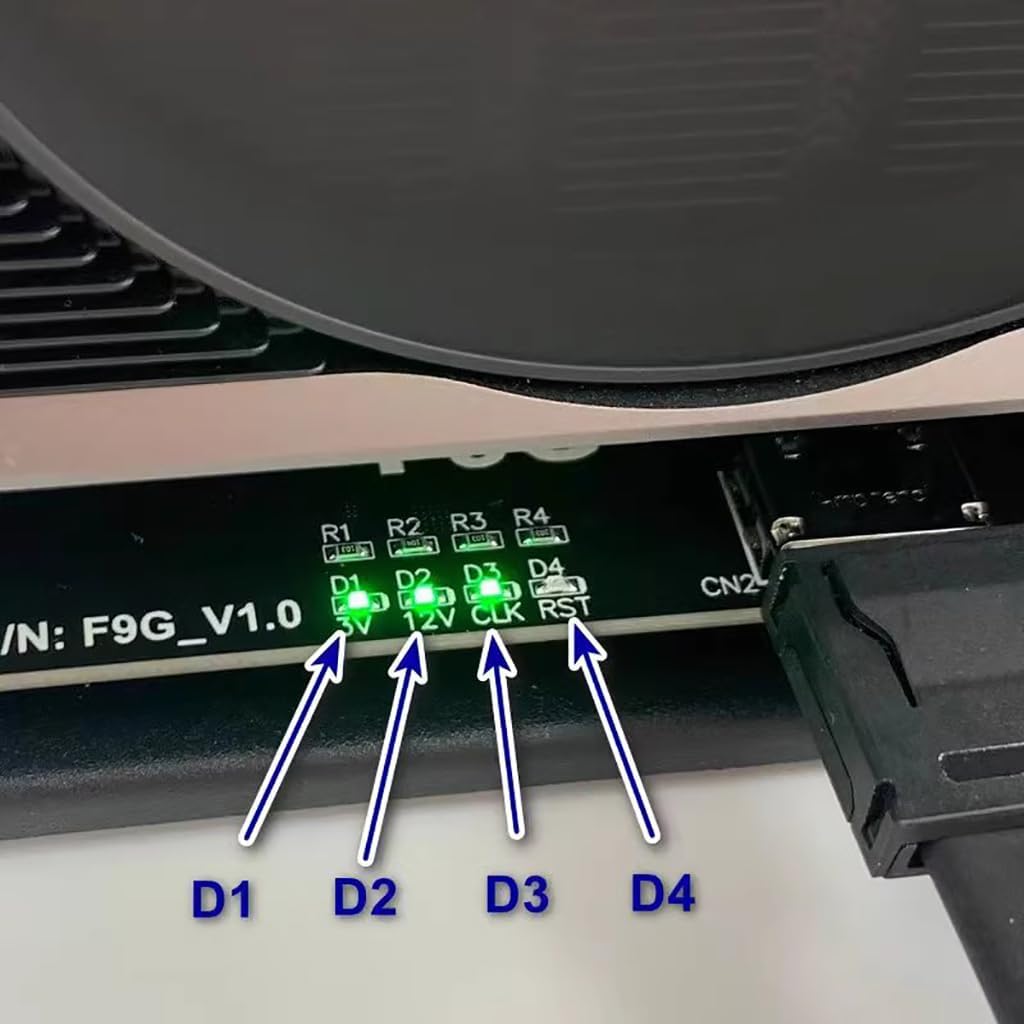
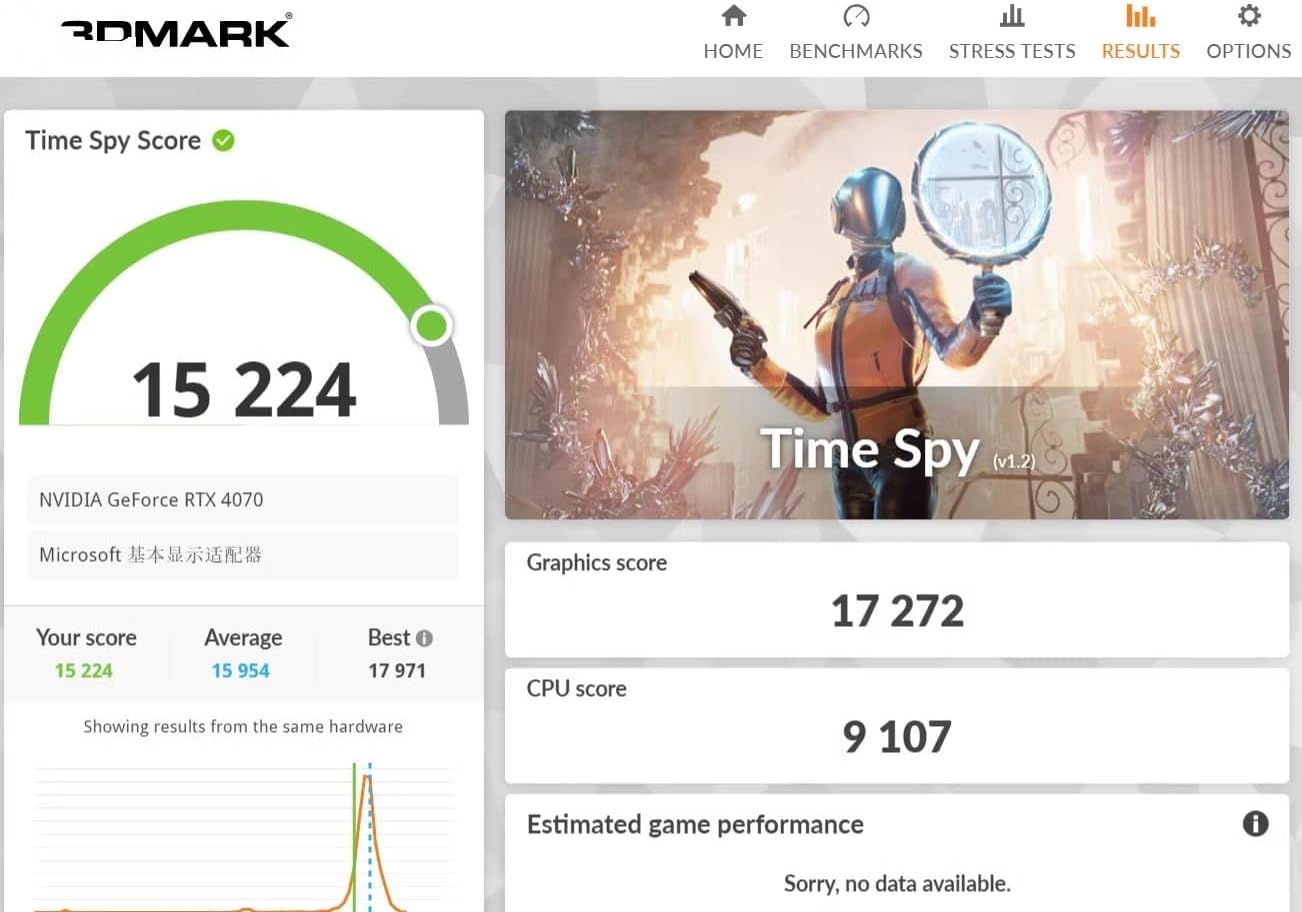
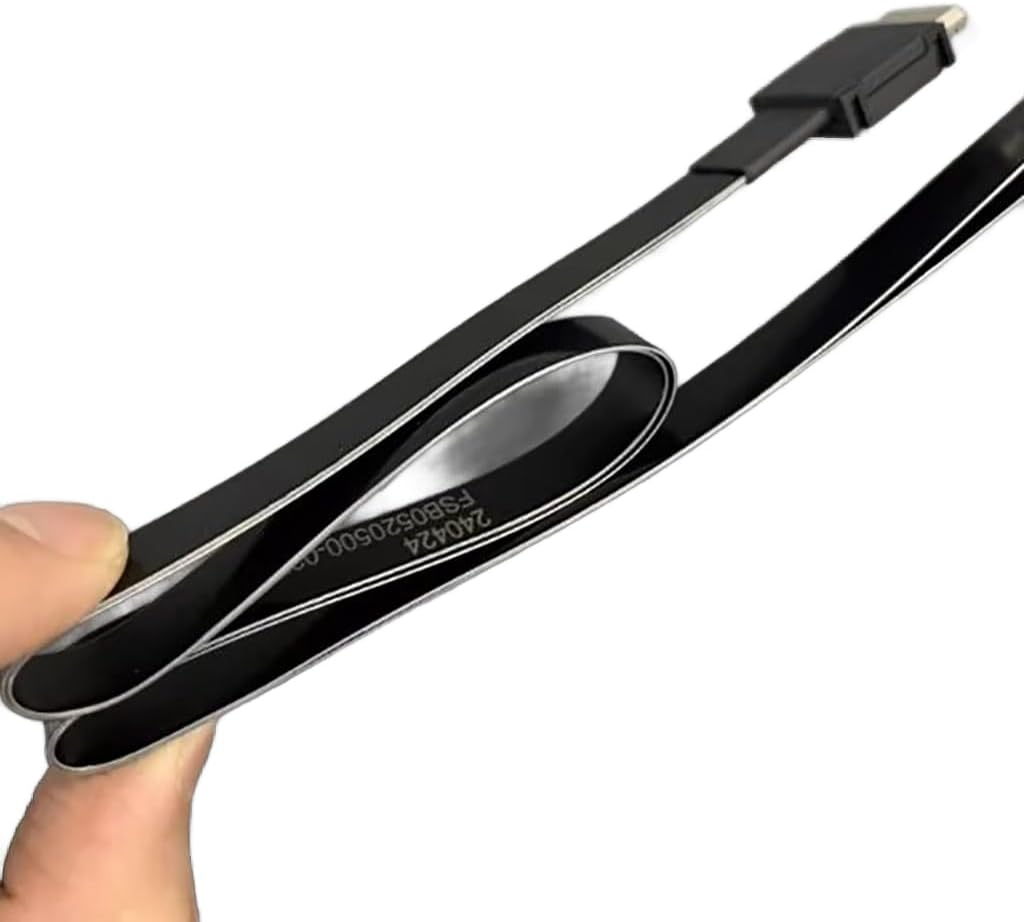
JMT ADT-F9G-BK7 PCIe X16 to OcuLink SFF-8612 Docking Station PCIe4.0 64Gbps External Graphics Extension Card Product Detail: Product Model: F9G-BK7-F9934 Product Name: Oculink External Graphics Docking Station Transmission speed: PCIe 4.0 x4, effective bandwidth 64Gbps Product use: for graphics card external or other PCIe devices Product Description: Oculink is an interface that is adapted from the NVME SSD slot on the motherboard of the computer, NVME takes the pure PCIe channel, so the Oculink external graphics docking station also takes the PCIe channel, which has a small performance loss. Compared to traditional Thunder bolt-compatible adapter solutions, Oculink's effective bandwidth can reach 64Gbps under PCIe 4.0 x4, far exceeding Thunder bolt-compatible solutions. Friendly reminder: OcuLink does not support hot-swap Power supply: Support standard ATX 500W power supply, power supply needs to be prepared by the buyer. Purchasing tips: Be sure to buy 1~2 samples to test and verify that there is no error before purchasing large quantities. The switch on the graphics card dock: Switch toggle to 1 is auto-start, you can follow the startup; toggle to 2 is forced startup, directly powering the graphics card docking station, which is risky, toggle to 1 auto-start can be enough. D1 light represents cable detection, some cables will cause the D1 light does not light. D2 light represents the power supply status of the docking station, light means that the docking station is in the startup state. D3 light may not light up when using some AMD-compatible graphics cards. D4 light is off under normal conditions, only in the opening and closing will blink a little.
- Support M.2 NVMe Interface: In addition to notebooks, This Docking Station also Compatible with In·tel NUC motherboards, STX motherboards, ITX motherboards, graphics cards external, with M.2 NVMe interface can be used.
- Power Supply: Support standard ATX 500W power supply, Please prepare the power supply according to the power of the graphics card.
- Transfer Speed: This F9G-BK7 OcuLink Docking Station Can reach 64Gbps under PCIe 4.0 x4, far exceeding Thunder bolt-compatible solutions.
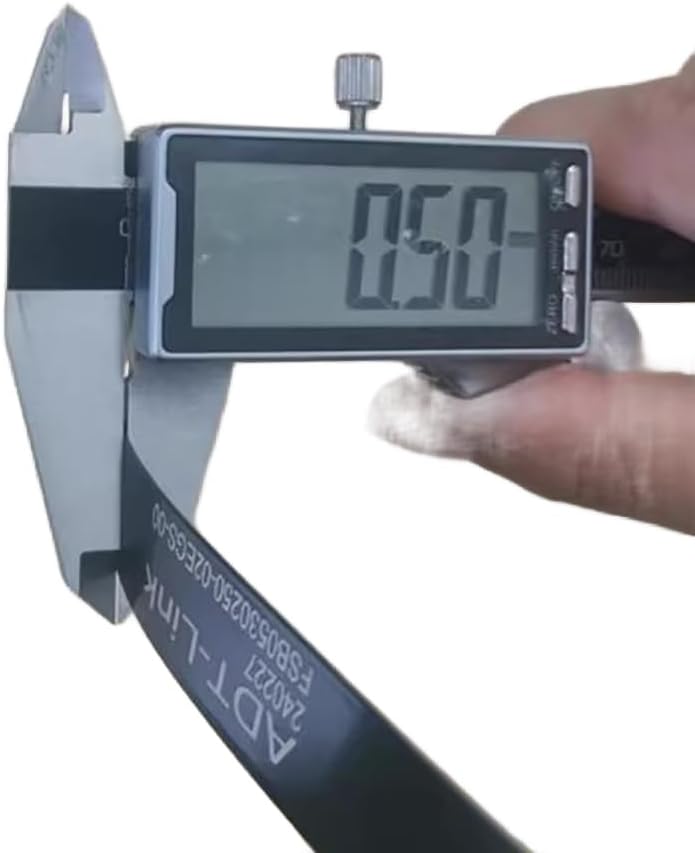
- Excellent SI Performance: Signal rates up to PCIe4 16GT/s and SAS 4.0 24Gbps. Support cable to board application, pitch 0.5mm connector. Supports 85 ohm impedance applications, 100 ohm is available on request.
- Switch Warm Tips: Switch toggle to 1 is auto-start, you can follow the startup; toggle to 2 is forced startup, directly powering the graphics card docking station, which is risky, toggle to 1 auto-start can be enough.
| Brand | JMT |
|---|---|
| Manufacturer | ADT-Link |
| Compatible Devices | AMD 7800xt |
| Hardware Interface | PCI Express x16 |
| Warranty Description | 1 |



Bestseller ranking
Docking Stations


Customers who viewed this product also viewed
Kayaking

Correction of product information
If you notice any omissions or errors in the product information on this page, please use the correction request form below.
Correction Request Form